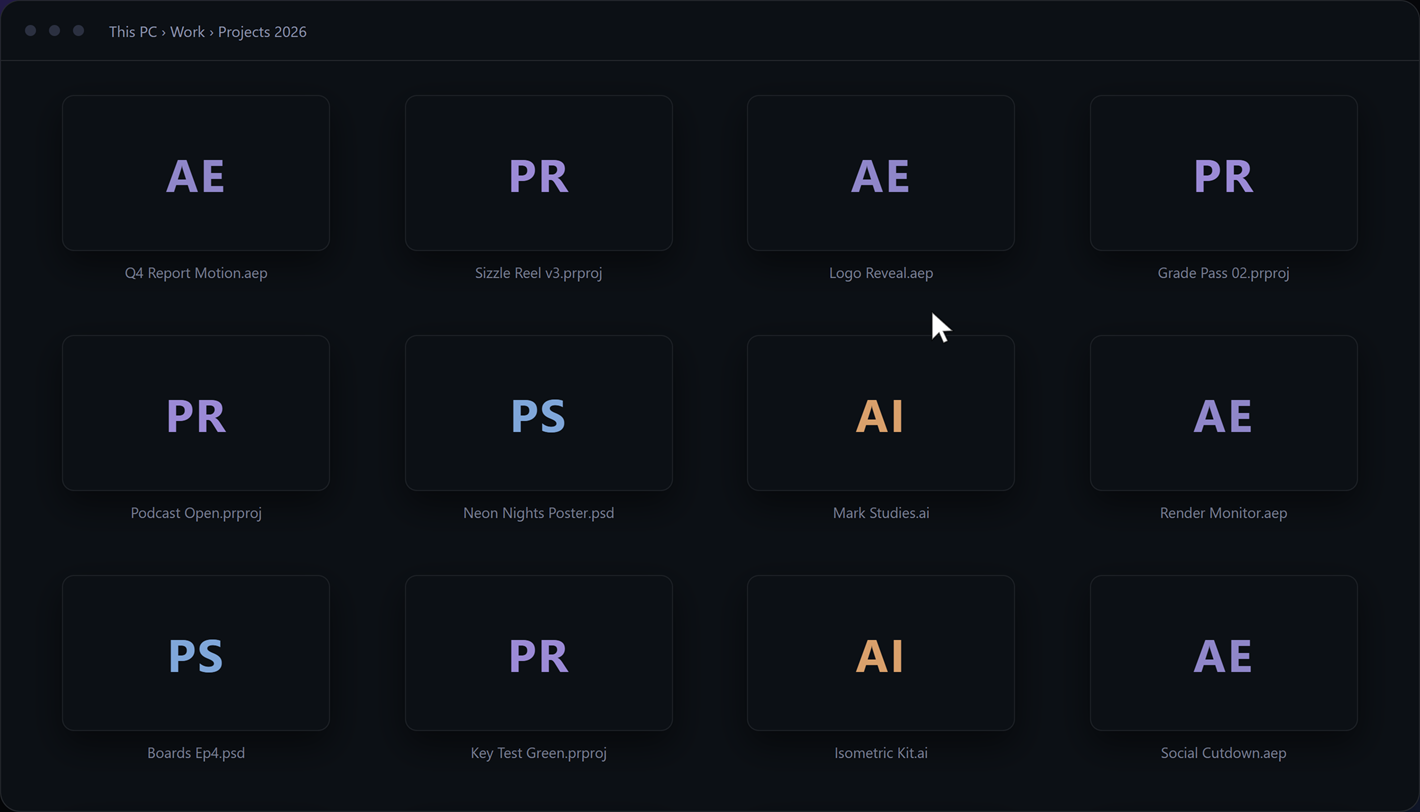
Your Adobe files all look the same.
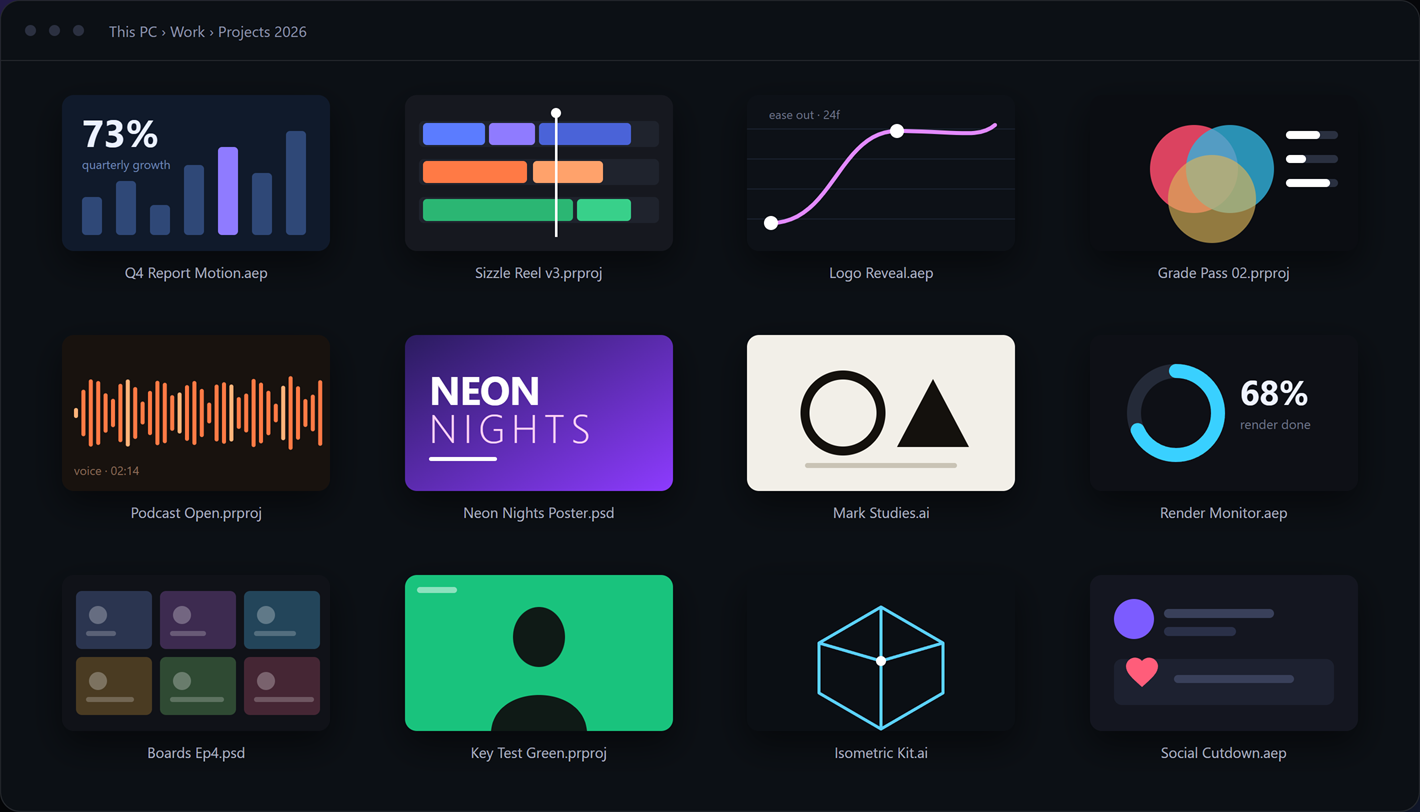
Iris shows what is inside.
Thumbnails and a real preview panel for Photoshop, Illustrator, InDesign, After Effects and Premiere Pro — right in Windows Explorer. Including the After Effects comp you were working in.
Open the right project first time
No more opening five files to find one. The picture is already there, in the folder, in search results, in the Open dialog.
Everything Iris gives you
Thumbnails
16 Adobe file types, right in Explorer
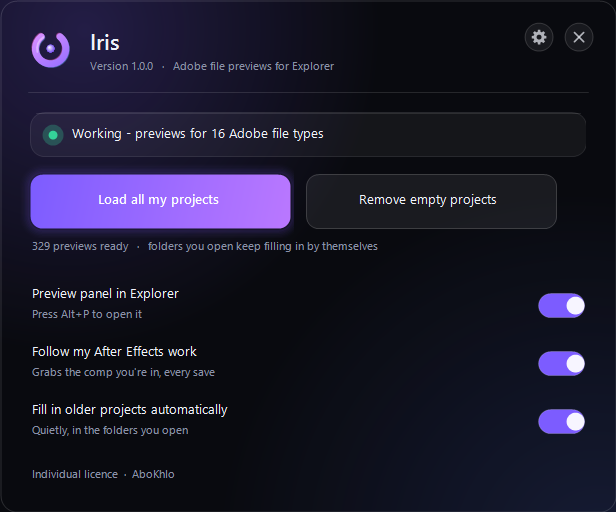
Preview pane
Comps, sizes, fonts, dates — Alt+P
Follows After Effects
Shows the comp you were working in
Your whole archive
Loads old projects in the background
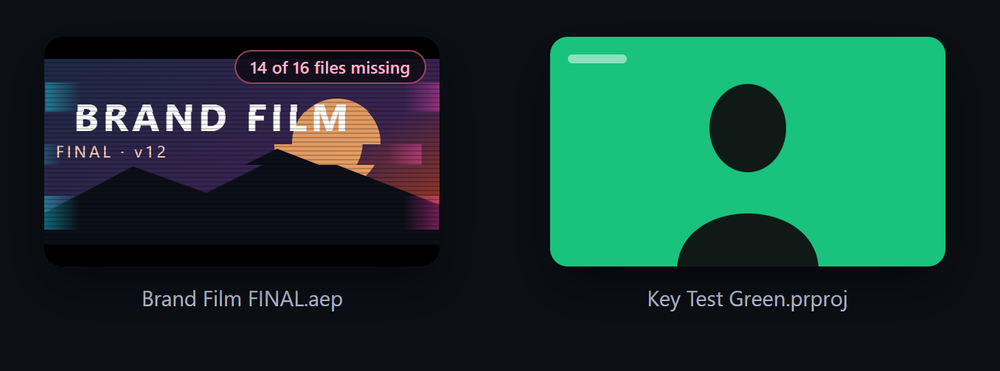
Broken projects stand out
Missing footage shows on the card
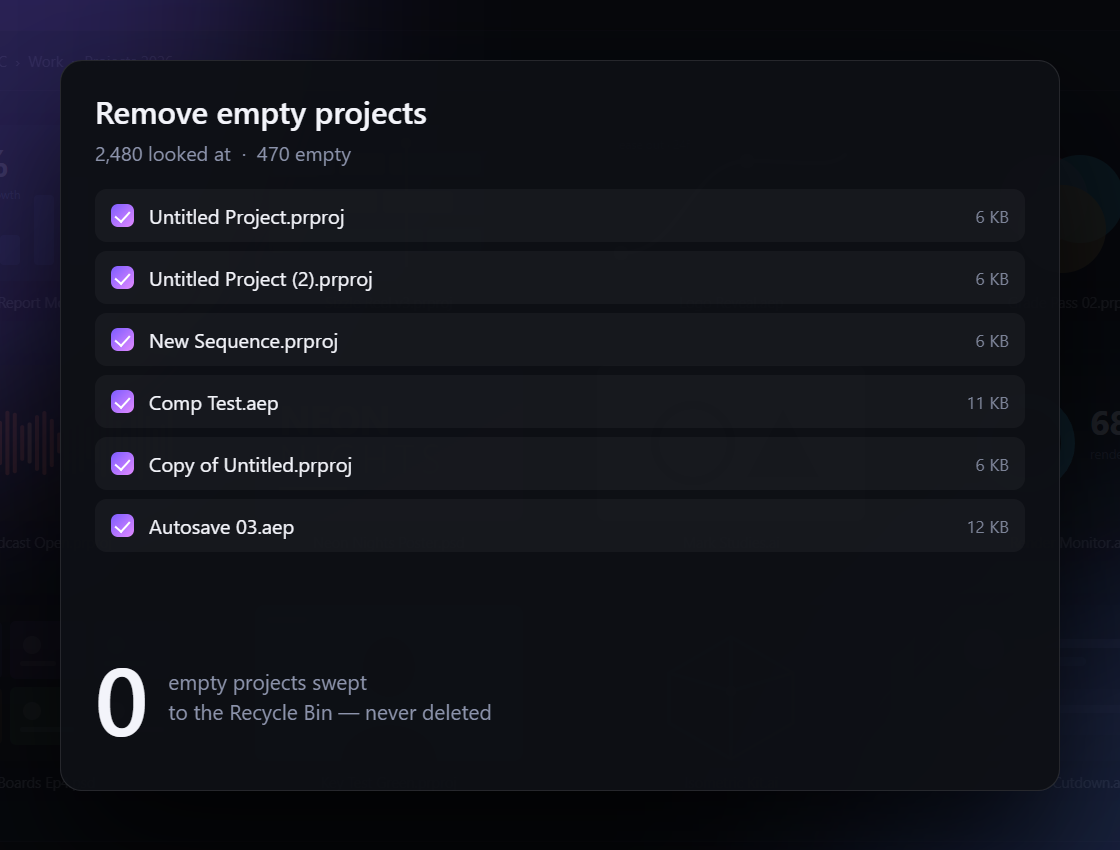
Removes empty projects
To the Recycle Bin, never deleted
Works offline
No account. Your files never leave your PC
14 days free
Everything included, no card
What it reads
You do not need Adobe installed to see any of this. Only the live After Effects capture uses your own After Effects.
.psd .psb .psdt
The full flattened image
.ai .ait .eps
The artwork, fonts, swatches
.indd .indt
The page, fonts, page size
.aep .aet
The comp you were in, every comp
.prproj
The frame under the playhead
.mogrt .xd .ase .aco
Poster frames, colours with hex
Two things nobody else does
Set up in one minute
Get it from the Microsoft Store, try it free, add your key — start to finish in a minute.
Download
The 14-day trial is the full product. Buy a key any time and paste it in — nothing to reinstall.
Windows
Windows 10 & 11 · free from the Microsoft Store · updates by itself
Get it from the Microsoft Store- Press Get on the Iris Preview page
- Open it and choose Free trial
- Open any folder of Adobe files
macOS
Iris for Mac is on the way. On a Mac, previews live in Quick Look, so it is being built as its own app.
Coming soon- Previews in Finder and Quick Look
- The same 14-day free trial
Pay once. Yours for ever.
No subscription. One payment, and every future version of Iris is yours. Your files never leave your PC — Iris only checks your key with Gumroad.
- Every future version, always
- Never pay again
- Key in your inbox the moment you pay
- Everything in Individual
- One key for up to five PCs
- For a team or a small studio
Your licence key is in your receipt email the moment you pay. A key is made for the PC whose code you give at checkout (Studio: up to five codes): start the free trial first and copy its PC code (Iris: the gear, then Licence key). When the trial ends, previews pause until you add a key - your files are never touched.
Not sure? The 14-day trial is the full product — no key needed. Download Iris
Questions
Do I need Adobe apps installed?
No. Iris reads the files itself. Only the "comp I was working in" capture uses your own After Effects.
Does it send my files anywhere?
No. Everything happens on your PC and the previews are stored in your own user folder. The only thing Iris ever sends is your licence key, to Gumroad, to check it - once when you activate, then about once a month. No account, no sign-in, no telemetry.
Where do I get it?
From the Microsoft Store - search Iris Preview, or press the button above. It installs and updates like any Store app, with no warnings and no admin rights.
Will it slow my PC down?
The helper sits idle almost all the time and uses about 50 MB. Previews of older After Effects projects are only made while you're away from the PC. Switch Iris off any time from its icon next to the clock.
Does it work on projects from another computer, or an older Adobe version?
Yes — it reads the file formats directly, so files from colleagues, old drives and older Adobe versions all work.
What is the difference between Individual and Studio?
Individual is $4.99 once, for one PC. Studio is $19.99 once, for up to five PCs - one key for the whole team. Both are yours for ever, with every future version included. No subscription.
When do I get my key?
Straight away - it is in your Gumroad receipt email the moment the payment goes through. Open Iris, click the gear, then Licence key, paste it and press Activate.
What happens when the trial ends?
Previews pause - Explorer shows its normal icons again - until you add a key. Nothing is deleted and your files are never touched; activate a key and the previews come straight back.
Why does checkout ask for a PC code?
A key is made for the computer it was bought for, so it can't be passed around. Start the free trial, open Iris → the gear → Licence key, and copy This PC's code. Studio: up to five codes, separated by commas. New computer later? Reply to your receipt with its code and we move your licence, free.
How do I remove it?
Right-click Iris Preview in the Start menu and choose Uninstall (or Settings > Apps). Explorer goes back to plain icons.
Refunds?
Fourteen days, no questions asked.